What a Systems Audit Checks Before We Automate Anything
The audit is two hours and a one-day map. Here is what we look at, which workflows fail it, and what you keep whether or not you build with us.
- Published
- Reading
- 6 min
- Subject
- Automation
- Written by
- Aleem Ul Hassan

Key takeaways
- A systems audit checks the trigger, inputs, decisions, owner and failure path before anyone writes code.
- Measure the whole task, including checking and correcting it, rather than counting only the visible clicks.
- Start with stable rules and traceable data. Unclear decisions need a person or a clearer process first.
- You keep the architecture map and written verdict. The audit fee is credited against a build booked within 30 days.
A systems audit checks whether a repeating task is clear enough, useful enough and safe enough to automate. We map its trigger, inputs, decisions, owner and failure path before choosing tools. You leave with a build plan, a process change to make first, or a written reason to keep the work manual.
NexusPoint’s audit is two hours with the people who do the work, followed by a one-day architecture map. The purpose is to make the next decision easier before you pay for a build.
What does a systems audit actually inspect?
We follow a task from the event that starts it to the result someone accepts. A list of apps is not enough. The useful details are where information enters, which decisions happen between tools, and how the team knows the task finished correctly.
Ask the person doing the work to show a normal run and a difficult one. The difficult run reveals the judgment, waiting and correction that a neat process diagram can miss.
| Check | Evidence to bring | Decision it informs |
|---|---|---|
| Trigger | A form submission, scheduled report or incoming request | What starts a run, and what should not |
| Inputs | Redacted records and the fields people actually use | Whether the data is complete and trustworthy |
| Decisions | Examples of approvals, routing and exceptions | Which steps follow rules and which need a person |
| Outcome | The record, message or report that counts as finished | What the build must prove before handover |
| Ownership | The person responsible when something breaks | Who receives alerts and can make corrections |
A missing field is a data problem. An unclear approval is a process problem. Neither becomes easier to resolve just because an automation moves the record faster.
How do you measure the work without guessing?
Count the whole task: preparing information, moving it, checking it and correcting mistakes. Separate active work from waiting. An approval that takes a day to arrive is not a day of staff effort, though the delay may still matter to the customer.
Use recent examples to estimate how often the task runs, what a normal run takes and what an exception adds. If nobody has measured it, label the estimate and collect a short sample before using it to justify a build.
For example, imagine a team processing twelve enquiries in an hour, each needing five minutes of copying and checking. That is one hour of active work. It is a hypothetical baseline, not a promised saving: the new process will still need review, exception handling and maintenance.
Compare the work removed with the work introduced. A system that saves copying but creates a new daily cleanup job may not be an improvement.
Which workflow should you automate first?
Choose a task with a clear result, stable rules and an owner who can test it. Frequency matters, but it does not outweigh the cost of a wrong result. A frequent, low-risk task is often a better starting point than a consequential decision that happens occasionally.
| Candidate | Likely next step | Reason |
|---|---|---|
| Copy approved form fields into a CRM | Scope a small build | The input and destination can be checked |
| Decide whether an unusual enquiry qualifies | Keep a review step | The decision still depends on judgment |
| Combine customer lists that disagree | Resolve ownership of the data first | Faster copying would spread the disagreement |
| Produce a rarely used report with changing requirements | Improve the manual process first | Maintenance may outweigh the work removed |
These are starting judgments, not universal rules. The audit should explain what evidence could change the verdict. For a quick readiness check, use the handoff test.
What would a lead-routing audit uncover?
Consider a hypothetical agency whose website sends enquiries to an inbox. Someone copies each message into the CRM, assigns an owner and replies. The visible task is copying. The actual system includes duplicate handling, routing and confirmation that the record arrived.
The audit asks what happens when an existing contact enquires again, a required field is absent, or the CRM is unavailable. It also asks whether an acknowledgement means “we received this” or incorrectly implies that a person has reviewed it.
A sensible first build might save each valid submission, assign it using agreed rules and flag uncertain cases for review. Sales judgment stays with the team. The form-to-CRM guide explains the delivery and retry details.
This makes the scope concrete: move a known piece of work reliably, then decide whether further automation is useful.
What belongs in the architecture map?
The map shows the trigger, tools, records, decisions and end result. Its supporting notes name the fields that matter, the source of truth for each, the person responsible and the failure path. It also lists dependencies and what should stay manual.
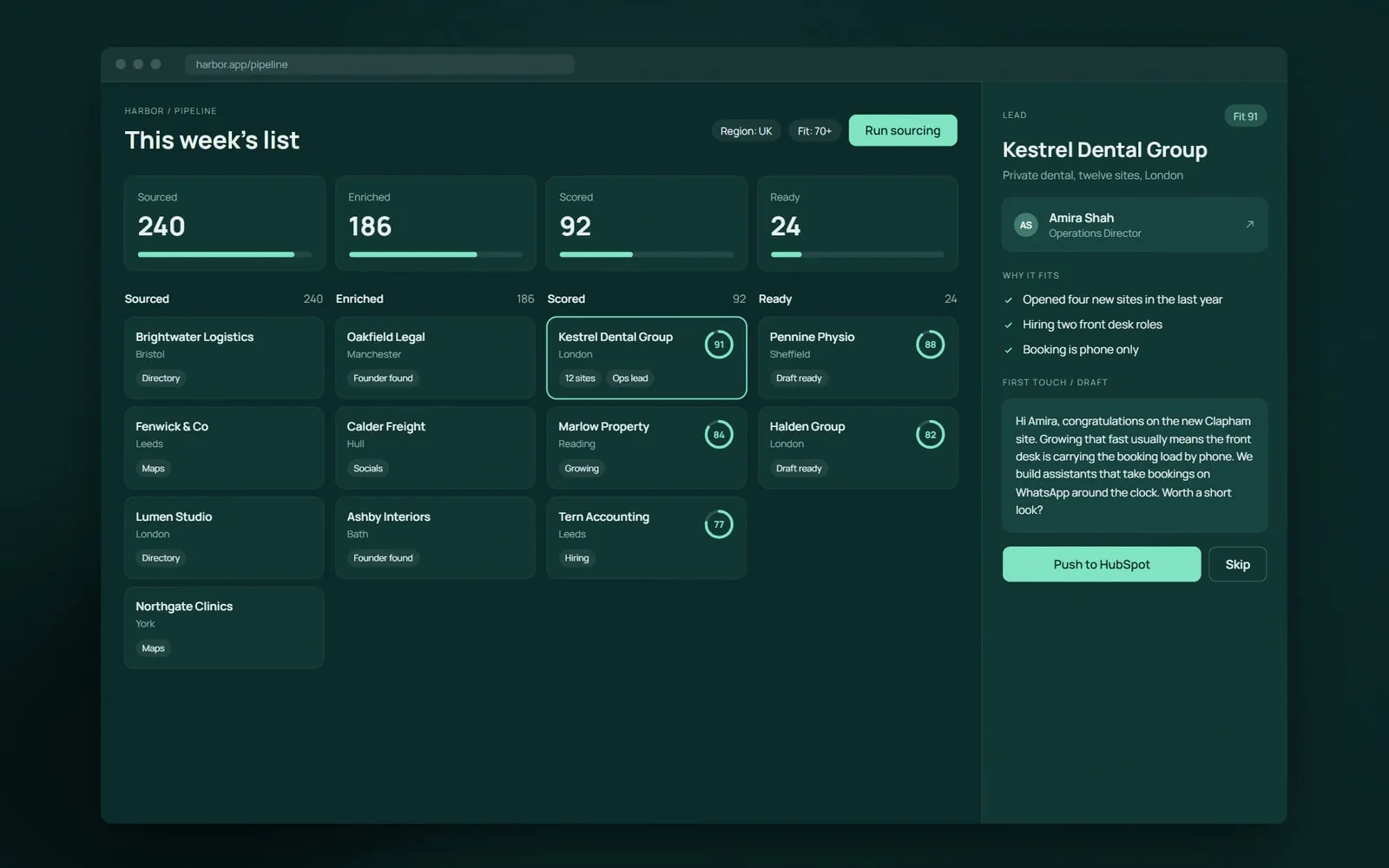
An example screen from one of our concept studies, not a reported client result.
Include acceptance criteria. “The lead reaches the CRM” is incomplete. The criteria should also cover a repeat submission, an unavailable destination and a record that needs human review.
Error handling is part of the plan, not a later extra. Platforms provide the building blocks: for example, Power Automate’s error-handling documentation describes alternative paths after failed or timed-out actions. The audit still has to decide which path your business needs.
When should the audit recommend waiting?
Wait when the team cannot explain the decision rules, records disagree without an agreed owner, or a wrong result cannot be caught in time. Sometimes the right next step is simpler than software: remove an unnecessary approval, standardise a form or agree which record is authoritative.
Changing requirements do not automatically rule out automation. They do require a plan for who changes the system, what it costs to maintain and how changes are tested.
Before approving a build, you should be able to answer:
- What work will stop, and what work will remain?
- Which decisions still need a person?
- What happens when a tool is unavailable?
- Who owns the system after handover?
- How will we compare the result with today’s process?
What do you keep after the audit?
You keep the workflow notes, the architecture map and the written verdict. The notes distinguish measured evidence from estimates, list unresolved decisions and define what a build must prove. That makes the plan useful even if you choose a different developer.
The audit fee is credited in full against a build booked within 30 days. If you do not proceed, the documents remain yours. Our handover guide covers what should accompany the finished system.
If you have a repeating task in mind, start with a teardown. Bring an example of the work rather than a preferred automation tool.
FAQ
Do I need to prepare anything for the audit?
Bring the person who does the work, a rough list of the tools it touches and a few redacted examples of normal and failed runs. Logins are not needed for the first conversation.
What if nothing is worth automating?
The audit says so in writing, with the reasons and any process changes worth making first. Avoiding an unsuitable build is a useful outcome.
Can someone else build from the map?
Yes. You keep the map, workflow notes and acceptance criteria whether or not NexusPoint builds the system. Another developer can use them as the starting specification.
Does an audit guarantee an automation will save money?
No. It gives you a grounded estimate and identifies assumptions to test. Actual savings depend on workload, exceptions, adoption and ongoing maintenance.